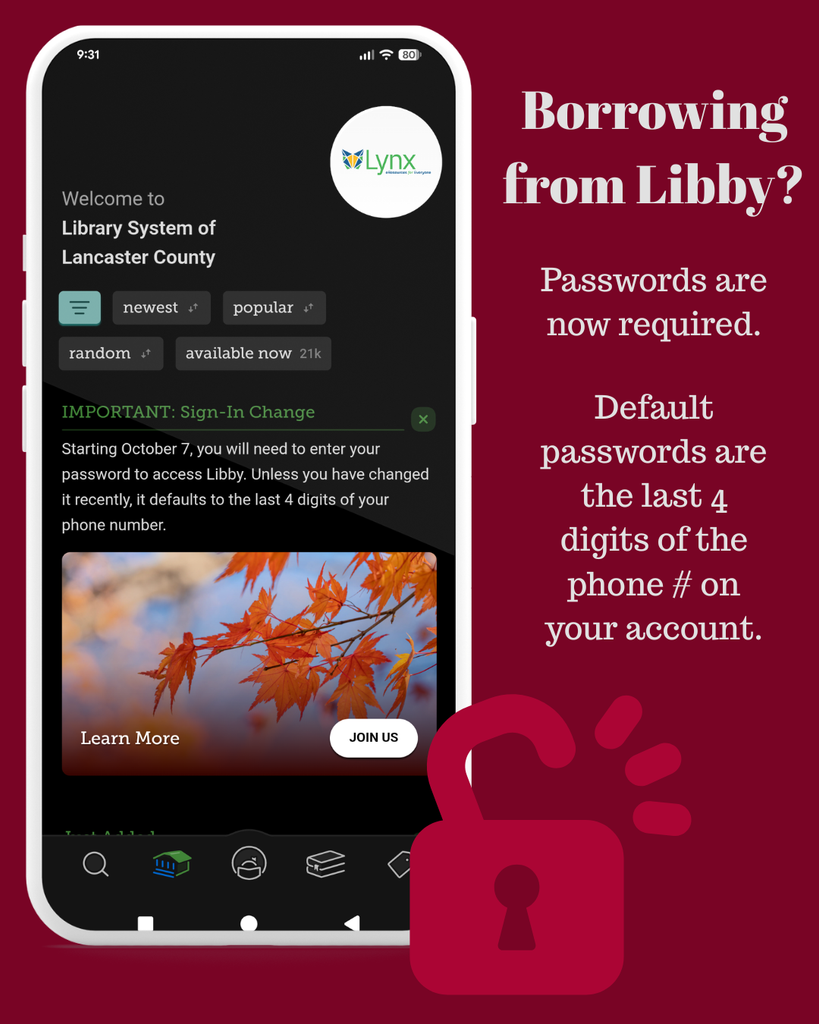
In October 2026, Libby started requiring all users to enter a password/PIN in order to verify accounts. This password is the same one you use to log into your online account (lynxsearch.discovery.sparkpa.org) and library computers. If you have not changed it, your password is the last 4 digits of your phone number on your library account.
Want to change your password? Contact your local library for assistance. If you have an email address on your account, you can also visit https://lynxsearch.discovery.sparkpa.org/MyAccount/EmailResetPin.
Why did we make this change? In order to institute some behind-the-scenes improvements, the Libby app now requires passwords for everyone. This is happening across all libraries and library systems.
How often will I need to enter my barcode and password? Only when the system requires you to reauthenticate your account information, which isn’t very often. It will happen with the same frequency with which you needed to reenter your barcode number – which typically is at sign in or when your account is renewed.
Still need support? Reach out to our support team: Libby Support Form. This is monitored by real, live librarians, which means you may need to wait until the next weekday for assistance. You are also welcome to reach out to your local library for help.